USB-C
For phones and other devices with a USB-C charging port.
 ChargeDockContact us ↗日本語
For users · Sydney launch preparation
Charge while you enjoy your visit, meet friends or head home. Here’s how ChargeDock is designed to work.
Built-in cables
Each power bank has three built-in cable types. Check your device’s charging port before borrowing.
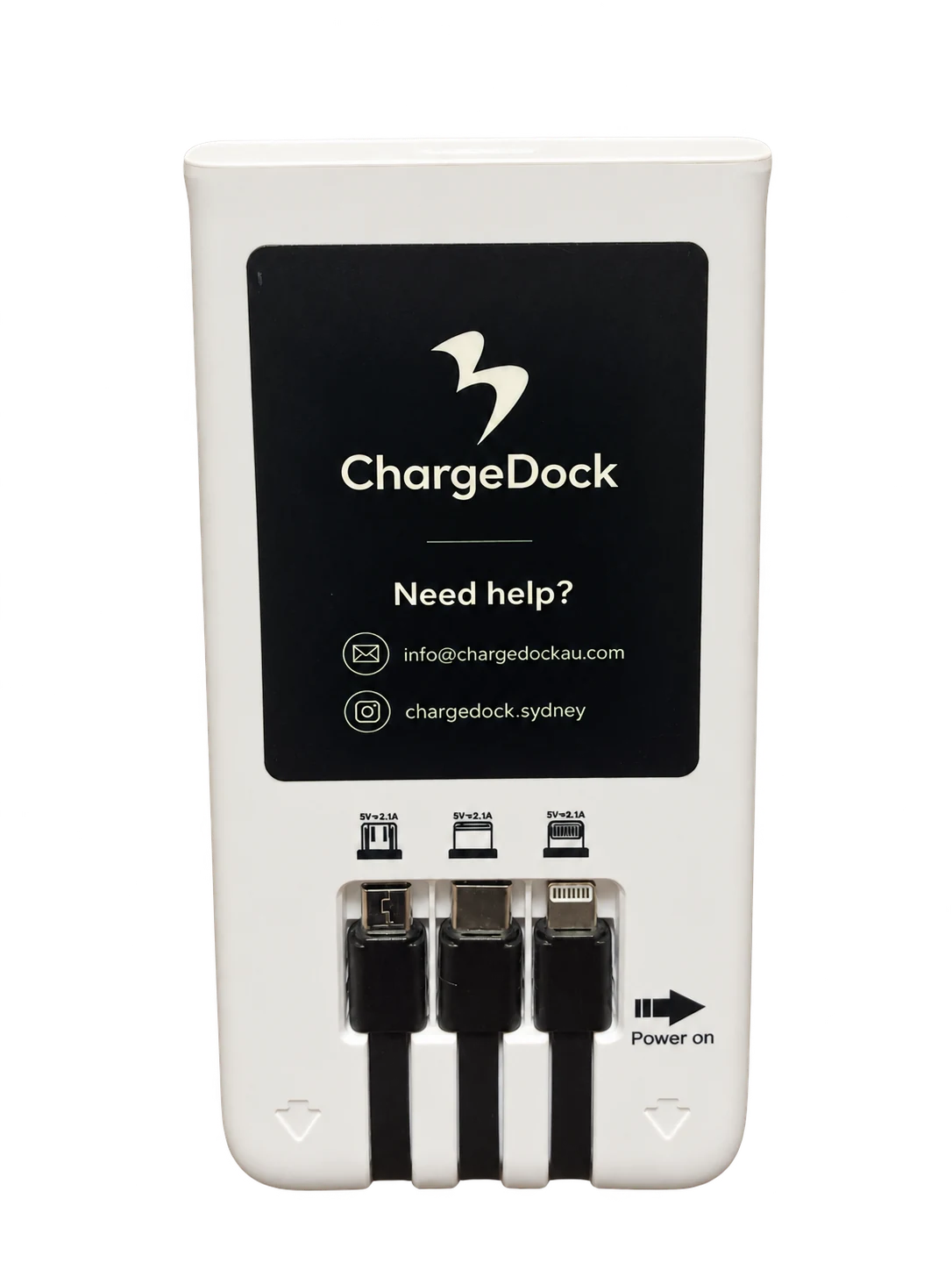
For phones and other devices with a USB-C charging port.
For Apple devices with a Lightning charging port.
For compatible devices with a Micro-USB charging port.
Charging compatibility depends on your device. This is cable charging; wireless charging is not advertised.
How to rent
Review the displayed price, deposit or authorisation, and return conditions. Follow the station’s instructions and tap a compatible card or mobile wallet. No app download is planned for launch.
Choose the cable that matches your device and connect it. Follow the power bank’s power-on instructions if needed. You can charge while staying at the venue or continuing your day.
Check the available return options before borrowing. Insert the power bank fully and check that the station confirms the return. Do not simply leave it beside the station.
Rental pricing · AUD
Maximum rental period: 72 hours.
A$72 deposit or card authorisation is planned.
After you return
The rental cost is deducted from the deposit amount in the final settlement. Any unused amount is refunded, or the unused card authorisation is released, depending on how the payment was processed.
Illustration only: a A$72 deposit or authorisation and a final rental fee of A$6 leaves A$66 to be refunded or released. The actual charge depends on your rental time and the conditions displayed before borrowing.
A card authorisation reserves funds without necessarily charging the full amount. Your bank may show an authorisation release differently from a refund. Timing depends on the payment method and card issuer.
Selected campaigns may offer the first 30 or 60 minutes free. Normal charges apply after that period. Check the station’s displayed offer before starting; no standard free period applies otherwise.
Launch payment settings and rental conditions remain subject to final checks. The station will show the applicable terms before rental.
Help with your rental
Check the screen for a message and whether your bank shows a pending authorisation. Contact ChargeDock with the station location and time so we can investigate before you retry.
Do not force a power bank into a full station or leave it at the venue. Contact ChargeDock for help with an available compatible return location.
Check that the station confirmed your return. Pending card authorisations and refunds may take time to update with your card issuer. If you are unsure, send us the station location, rental date and order reference if available.
We are preparing the Sydney launch. Participating locations and return availability will be confirmed before commercial launch. This page does not list unconfirmed venues.
Contact rental support
Email info@chargedockau.com or send an SMS to 0401 067 257. The form below routes rental support to the same inbox.
If you prefer to contact us directly, email info@chargedockau.com, or send an SMS to 0401 067 257.